NYCNot your
college.

NYC Accelerator

Software Engineering + AI

Build the portfolio for your first software internship.

Build and deploy complete applications with AI. Get your code reviewed by engineers and develop projects you can show and explain in internship interviews.

For college students · Portfolio projects · Engineer feedback

Built by a student. Featured on NYC.

His own Vercel.
While still in school.

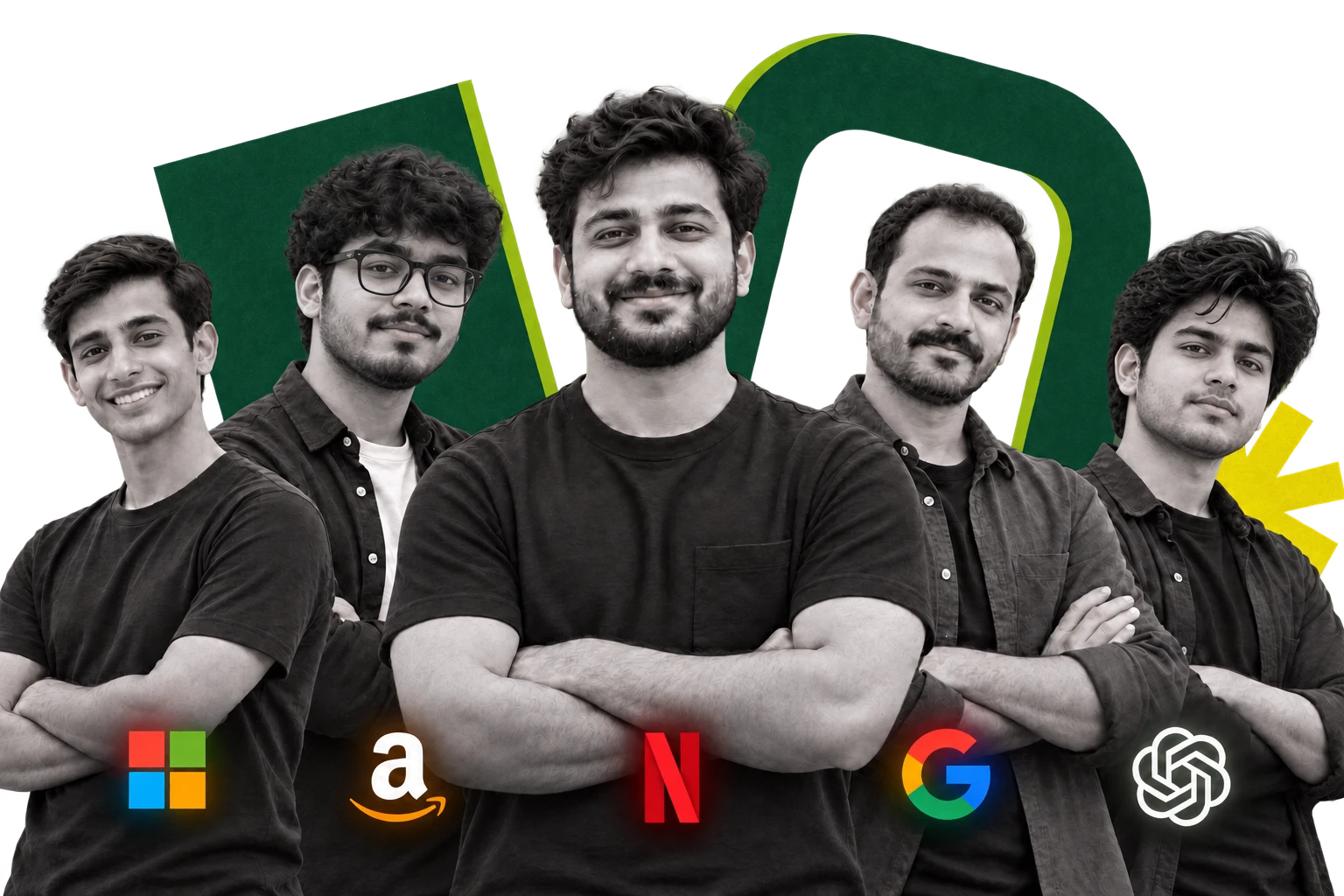
Your instructors

Taught by engineers who got
the job you want.

They teach your live classes, review your projects and run your mock interviews.

NYC instructors and mentors

How hiring works now

Interviews have changed.

Many companies now run two rounds: one without AI and one with it. NYC trains you for both.

No AI

Classic round

solution.py45:00
123456
  • DSA or system design, a timer, no AI
  • Tests how you think on your own

Who fails here: people who need AI for everything.
AI allowed

AI-assisted round

checkout-service / cart.tsAI
1function applyCoupon(cart, code) {
2 const c = coupons[code]
3 cart.total -= c.value
4 return cart
5}

AIAdded coupon support to the cart. Ready to test.

YouIt never checks if the coupon is expired.

  • A codebase you have never seen, AI open
  • Tests whether you catch what the AI got wrong

Who fails here: people who only practised LeetCode.

At NYC, tests run without AI and projects run with it, so you practise both rounds.

Your work at the end of the course

Have a live app to put on your résumé.

Start with web foundations and build towards your own application. Connect the interface, backend and database, add AI features and put it online.

Duration6 months live + 6 months of recordings
Live classes5 a week, 1.5 hours each
Every FridayBuild, debug or review day
Learn withMentors + teaching assistants

Classes run Monday to Friday. Missed one? Watch the recording. You keep recordings for 6 months after live classes end. Ask an advisor for the next batch start date.

Show the application you built.

Share a working link, walk someone through the code and explain how the whole application works.

People from the NYC community

See what students can build.

Watch students explain their projects and the decisions behind them. See the level of ownership to aim for in your own work.

NYC mentor

How he won
14 hackathons.

Hear how he approaches the problem, the team and the build.

Inside the work

Inside a student’s
first internship day.

A look inside NYC’s internship. See what happens beyond a course page.

Original student projects and interviews featured by NYC. These community stories are separate from Accelerator course outcomes.

What you’ll be able to explain

Explain the engineering behind your app.

Answer questions about your APIs, database and architecture. Show that you understand the work behind the demo.

Build beyond the tutorial.

Choose how your app stores data, handles requests and recovers from errors. Get those decisions reviewed as you build.

What you’ll be able to show

Build every part. Explain how it works.

Try this library-app example. Follow the interface, saved records, AI search and deployment—the same connections you’ll make in your own builds.

localhost / campus-library
Campus libraryCourse concept demo

Find your next read.

Search the library…
Designing
for people
Design
How the
web works
Engineering
Learning
with data
Data
A responsive interface. Built with HTML, CSS and JavaScript.

Built by NYC community members

See the work behind a strong portfolio.

Open student-built products and see what they do. The builders are credited with each project.

Pixora by ABINASH

Capture a page. Choose a backdrop. Export a high-resolution PNG.

Try the project

DevConnect by Aryan

A place for developers to share projects and find each other.

Explore the code

Community projects, shared with original attribution. Your course projects will follow the confirmed batch curriculum.

How NYC helps you get there

Get your code reviewed before you show it.

Build with live classes, teaching-assistant support and mentor reviews. Work through errors and improve the engineering behind your project.

Know how to start your own project.

Watch an instructor solve the problem and explain each decision. Then use the same approach in your own project.

Get past the error holding you up.

Bring your code and the error to a teaching assistant. Work out what went wrong and understand how to fix it yourself.

Get your project reviewed by an engineer.

Demo your project and explain your choices to a mentor. Find the gaps in your work and improve them before you put it in your portfolio.

See the feedback for yourself

Know what makes your project stronger.

Watch an NYC engineer review a student project. Hear what they question, what they would change and why.

Learning scenes are illustrative. Your batch plan covers mentors, class format and support hours.

Software engineering, with AI

Put a working AI feature in your portfolio.

Build a study-notes assistant that answers questions and shows its sources. Explain how you connected document upload, search and the AI response.

Model APIsRAGTool callingEvaluation
Build an AI assistant grounded in your data.

Test answers against the source notes and handle missing information. Show how you checked the feature before putting it online.

Who teaches you

Working engineers, not full-time trainers.

They work in tech today, so you learn what teams use now.

Full stack and GenAI

Swapnil

Forward Deployed Engineer, Microsoft

IIT (ISM) Dhanbad. Works on Microsoft Teams.

DSA

Akshay

Senior Software Engineer, Atlassian

IIT Bombay. Earlier at Jio Platforms and Myntra.

Instructors teach NYC live classes and review student projects. They speak for themselves, not for their employers.

What you’ll learn

The skills behind your software portfolio.

26 weeks of live classes in 9 phases, from your first web page to a live AI product. DSA comes as a recorded track. Open a phase to see every week.

01Web foundationsWeeks 1–3 · HTML · CSS · JavaScript · Git

Build for the web, with AI from day one.

  • Week 1 · HTML and CSS: structure, layout, flexbox, grid and responsive design
  • Week 2 · JavaScript I: functions, arrays, objects, the DOM and APIs
  • Week 3 · JavaScript II, Git and AI coding tools: debugging, pull requests and building from a spec
What you can do after thisBuild responsive, interactive pages and use Git and AI tools on purpose.
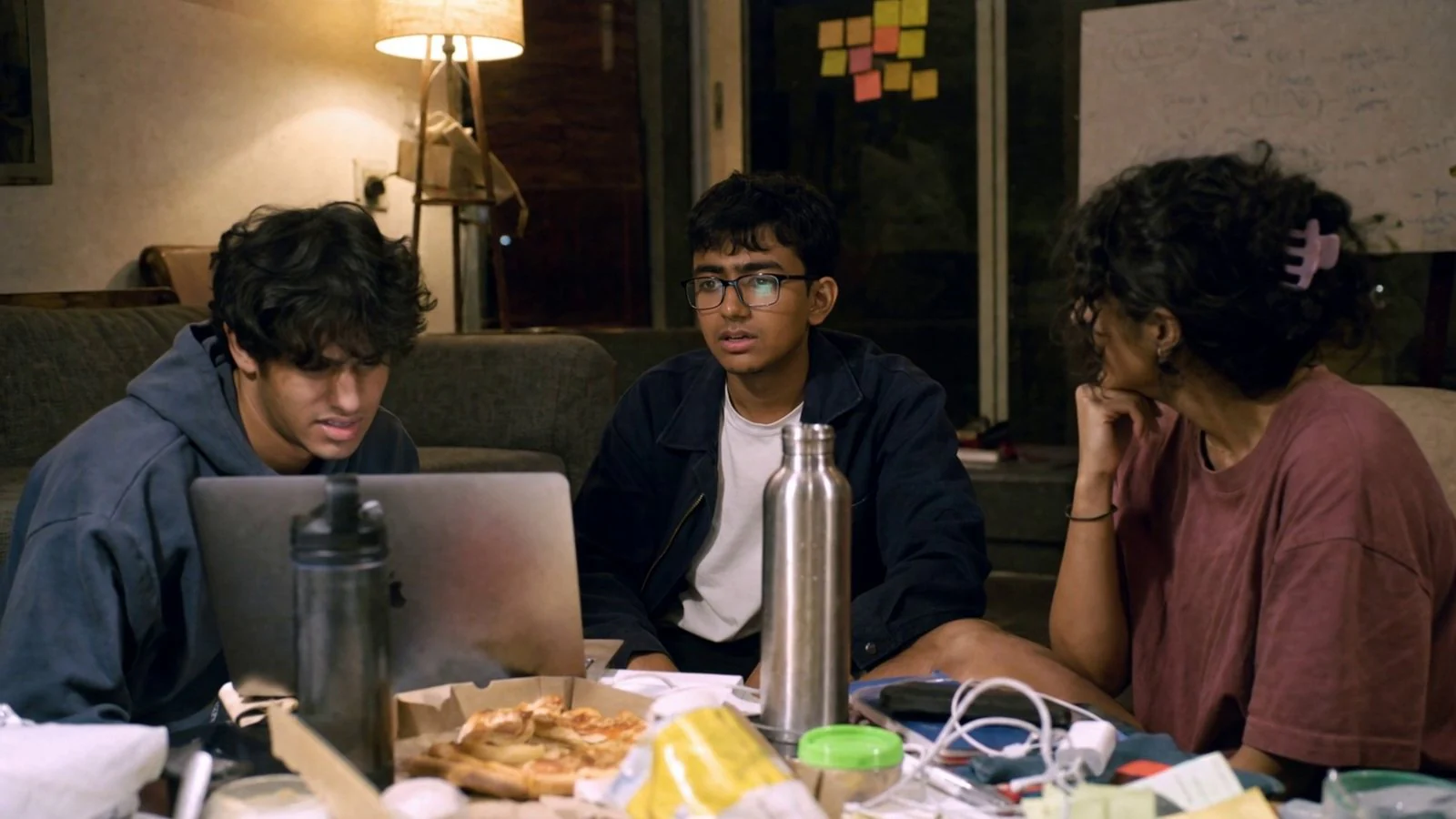
Illustrative foundations learning scene
Programme illustration
02FrontendWeeks 4–6 · React · Next.js

Think in components, not screens.

  • Week 4 · React I: components, props, state, hooks and data fetching
  • Week 5 · React II: routing, state management, React Query, forms and Tailwind
  • Week 6 · Next.js: server and client components, rendering, API routes and deployment
What you can do after thisBuild and deploy multi-screen React and Next.js apps with real data.
Illustrative frontend learning scene
Programme illustration
03BackendWeeks 7–10 · Node.js · Databases · Auth

Build the server side properly.

  • Week 7 · Node.js and Express: routing, middleware, REST APIs and validation
  • Week 8 · Databases: PostgreSQL, MongoDB, ORMs, migrations and transactions
  • Week 9 · Authentication and security: JWT, Google login, roles and common attacks
  • Week 10 · Backend in practice: project structure, search and pagination, webhooks and API docs
What you can do after thisBuild a secure, database-backed API and explain every request.
Illustrative backend learning scene
Programme illustration
04Full stackWeeks 11–13 · Payments · Real time · Testing

Connect it all and work as a team.

  • Week 11 · Full-stack app: API contracts, test-mode payments, emails and file uploads
  • Week 12 · Real-time features: WebSockets, notifications, optimistic updates and admin dashboards
  • Week 13 · Testing and teamwork: unit, API and end-to-end tests, code review and sprints
What you can do after thisConnect every part of an app into one product, test it and build it as a team.
Illustrative full stack learning scene
Programme illustration
05DeploymentWeeks 14–15 · Docker · Cloud · CI/CD

Run software beyond your laptop.

  • Week 14 · Linux, Docker and the cloud: AWS, Nginx, domains and HTTPS
  • Week 15 · CI/CD, caching and monitoring: GitHub Actions, Redis, queues and error tracking
What you can do after thisPut an app online, release safely and keep it healthy.
Illustrative deployment learning scene
Programme illustration
06System designWeeks 16–17 · Scale · Trade-offs · Low-level design

Design for growth.

  • Week 16 · System design I: scaling, caching, CDNs, replication, sharding and queues
  • Week 17 · System design II: microservices, events, design patterns and low-level design
What you can do after thisHandle system design and low-level design interviews with trade-offs.
Illustrative system design learning scene
Programme illustration
07Generative AIWeeks 18–21 · LLMs · RAG · Agents · Evals

Build AI features that hold up.

  • Week 18 · LLM apps: prompts, structured output, model APIs, cost and failure modes
  • Week 19 · RAG: embeddings, vector databases, retrieval and citations
  • Week 20 · Agents: tool calling, workflows, MCP and human approval
  • Week 21 · Production AI: evaluations, guardrails, cost and monitoring
What you can do after thisBuild, evaluate and deploy AI features that use your data and tools.
Illustrative generative AI learning scene
Programme illustration
08CareerWeeks 22–23 · Open source · Hackathon · Interviews

Prove it with evidence.

  • Week 22 · Open source and hackathon: your first pull request and an internal hackathon
  • Week 23 · Interview preparation: résumé, GitHub, project walkthroughs and mock interviews
What you can do after thisContribute to real codebases and apply for internships with confidence.
Illustrative career learning scene
Programme illustration
09Final projectWeeks 24–26 · Plan · Build · Defend

Make something real and defend it.

  • Week 24 · Plan: a real problem, users, architecture and an AI feature
  • Week 25 · Build: core features, the AI feature, tests and deployment
  • Week 26 · Launch and defend: real users, final review and demo day
What you can do after thisLeave with a live product you built and can defend.
Illustrative final project learning scene
Programme illustration
DSADSA, recordedOpens in week 13 · Not part of live classes

Practise interview DSA at your own pace.

  • Complexity, arrays, strings, two pointers and sliding window
  • Hashing, stacks, queues, recursion and backtracking
  • Linked lists, trees, heaps, graphs and binary search
  • Dynamic programming, then timed tests
How it worksRecorded lessons and problem sets. They open in week 13 and stay open until your recording access ends.
Illustrative DSA learning scene
Programme illustration

Beyond the classroom

The real world starts during the course.

You do not wait until the end. Hackathons, open source, real users and internship applications start along the way.

  1. Week 13Team project

    Build with a team of four. Every change is reviewed.

  2. Week 22Open source and hackathon

    Your first open-source pull request and a hackathon project.

  3. Week 23Internship applications

    Résumé, GitHub, mock interviews and an application plan.

  4. Weeks 24–26Final product

    Build it, launch it with real users and defend it.

  5. Months 7–12Recordings

    Revisit any class and finish the DSA track.

What finished means

Six things you can do by the end.

In the final review you change a requirement live, fix a bug we add to your code, and explain your trade-offs. That is how we know the work is yours.

  1. 01Programming independence

    Solve and debug small problems without copying a walkthrough.

  2. 02Frontend builder

    Turn a product brief into a responsive React app and explain your state and data choices.

  3. 03Full-stack engineer

    Build authenticated, database-backed software with APIs, tests and sensible security.

  4. 04Production engineer

    Deploy, monitor and debug software outside your laptop, with CI/CD.

  5. 05AI application engineer

    Build AI features with retrieval and tools, then evaluate their quality, cost and safety.

  6. 06Independent builder

    Launch a serious product, work through code reviews, and defend your decisions.

Course fee

Your first internship starts with the work.

The course includes project work and learning support. Pay once, or in 12 monthly payments on EMI, with interest as low as 1% a month on the course fee. Add one month of internship preparation after the course, with a complimentary session with a MAANG engineer, for ₹15,000.

Software Engineering + AI

Your selected plan

₹5,600/month

for 12 months · interest as low as 1% a month on the course fee

Less than one semester of private engineering college fees.

Course fee
₹60,000
EMI interest (1% a month on the course fee)
₹7,200
Total
₹67,200
Talk to an advisorEMI is 12 monthly payments, with interest as low as 1% a month on the course fee. The add-on has no interest.

Included in the course

  • Full-stack development and AI features
  • DSA, system design and deployment
  • Project feedback from mentors
  • Teaching-assistant doubt support
  • NYC learning community

Optional support

See everything includedRésumé reviews, referrals, timed test practice and mock interviews with engineers

EMI is 12 monthly payments, with interest as low as 1% a month on the course fee. The add-on has no interest.

Joining NYC

Your questions, answered.

Have another question? Talk to us
What if I do the work and still don’t finish a live project?

You join the next batch’s live classes at no extra fee, once. Doing the work means attending at least 85% of live classes, watching every class you miss within 7 days, submitting every weekly task, attempting the practice work, and building and presenting your final project. A live project runs at a public link, its code is on GitHub, and you can explain it in your final review. Ask within 30 days of your course ending. Read the full rules.

Who is Software Engineering + AI for?

College students who want to learn software development, build projects and get feedback on their work. If you already code, use the projects and reviews to strengthen your engineering decisions.

Do I need to know how to code?

No. Start with HTML, CSS and JavaScript, then build towards full-stack applications, AI features and deployment.

What are the duration and class timings?

The course has 6 months of live classes (26 weeks), 5 a week from Monday to Friday, 1.5 hours each. Monday to Thursday you learn and practise; Friday is a build day. After the live classes end, you keep the recordings for 6 more months. DSA is a recorded track: it opens in week 13, is not part of the live classes, and stays open until your recording access ends. An advisor shares the next batch start date and class timings.

How will I get help when I’m stuck?

The programme includes teaching-assistant support for coding doubts and concepts, and mentor feedback on project decisions. Confirm the support channels, availability and review format for your batch with the team.

Is the add-on optional?

Yes. The ₹15,000 add-on is one month of internship preparation after your live classes end, plus a complimentary 45-minute session with a MAANG engineer. Tick it in the fees section to see your new total, or join the course without it.

Does this programme guarantee an internship?

NYC develops your software skills, projects and technical understanding, with optional internship preparation. Employment is not guaranteed; employers make hiring decisions.

Can I pay in instalments?

Yes. EMI over 12 months: ₹5,600 a month for the course, or ₹6,850 a month with the internship preparation add-on. The EMI includes interest as low as 1% a month on the course fee; the add-on has no interest. An advisor shares the complete fee breakdown before you enrol.

Join NYC

Start your first internship portfolio.

Build applications you can put on your résumé and explain in an interview. Get the Software Engineering + AI project plan, batch schedule and enrolment details.

On the call

01 / Your goals & starting point

02 / Curriculum, support & timetable

03 / Your plan, fees & joining

Fill this form. Get your course plan.

+91

Verify your number to request a call.

Interested in: Software Engineering + AI

Get the course plan, batch details and enrolment steps.

NYC video

Watch on YouTube

Original project image

Talk to an advisor

A free call with an advisor. They listen to your goals, answer your questions and suggest the next steps that fit you.

+91